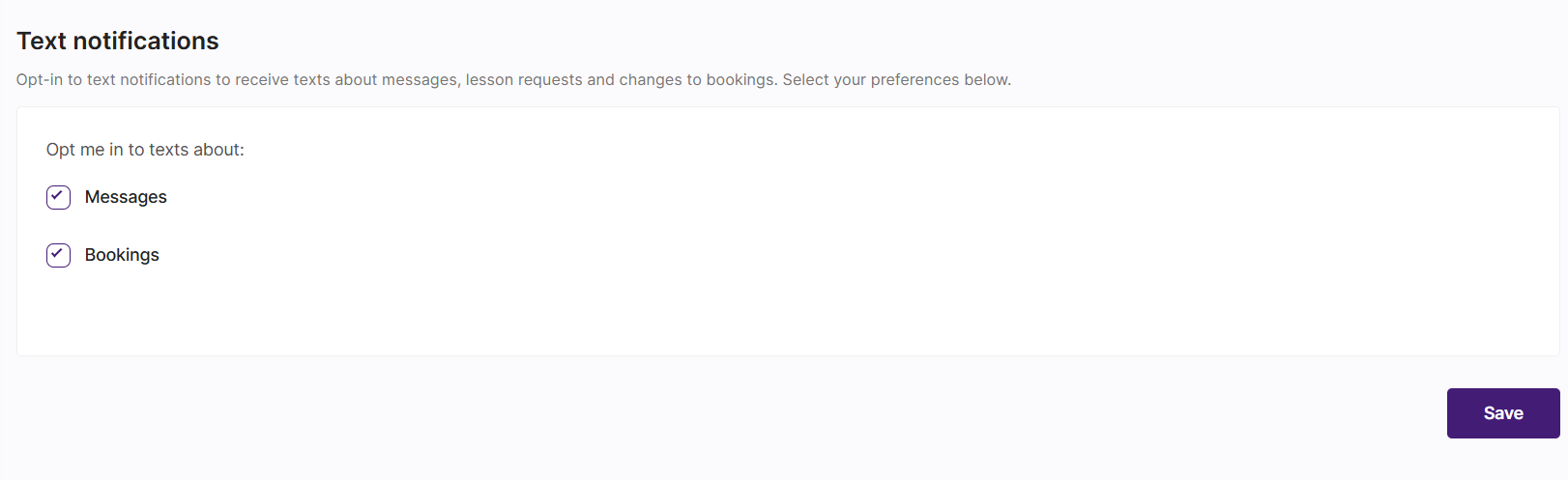
Can I receive text notifications?
Students and billpayers can now opt-in to receive text notifications, meaning you can be notified when there's a change to your booking or you've received a new message.
What can I be notified about?
Text notifications are available for:
New messages from your tutor
Lesson requests and suggestions
Lesson confirmations
Lesson cancellations
Rescheduling updates (requests, confirmations, cancellations, and rejections)
Rejected lesson requests (when you’ve suggested an alternative time, but the tutor can’t do it)
If you have a linked student or billpayer account, you'll also be notified when they make changes to bookings.
You can choose to opt in to texts about Messages and/or Bookings separately.
How do I receive text notifications?
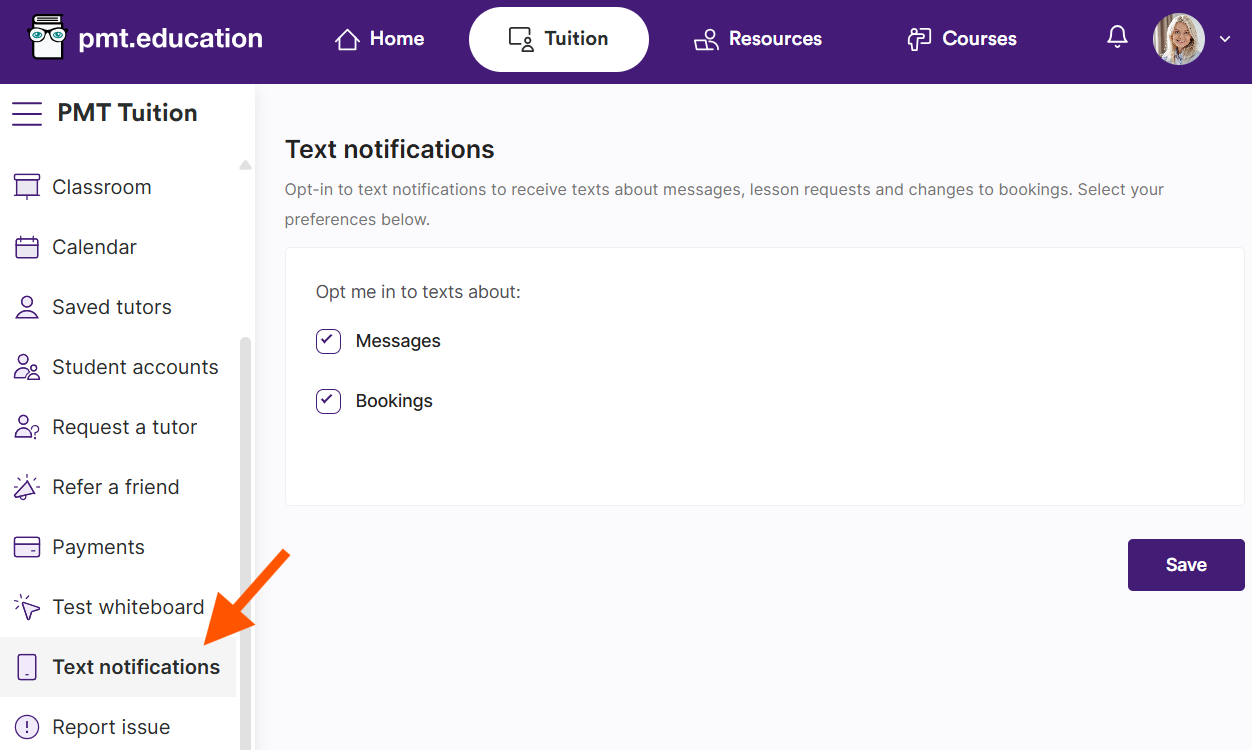
It's easy to opt-in to text notifications on the platform. Just head to Text notifications on your side navigation.
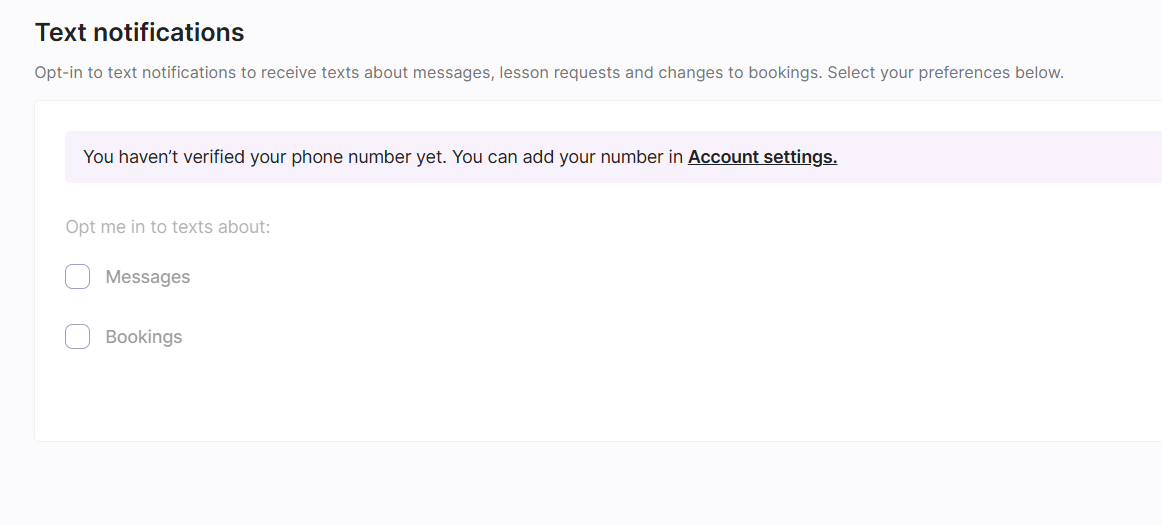
If you haven't added or verified your phone number, you'll be prompted to do so in your Account settings.
Once you're in your account settings, you'll just need to add your number to the Phone number section, and verify it with a One-Time Passcode.
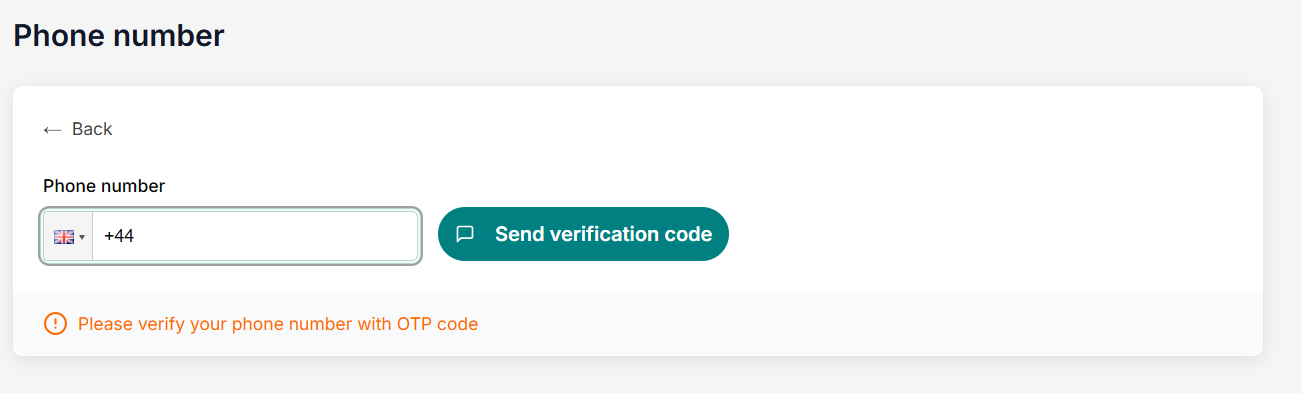
Please note: If you added your phone number before October 2025, we may not have verified your number. To ensure text notifications are working as they should, please check your country code and number is correct, especially if you have an international number.
After you've verified your number, you'll be taken back to Text notifications.
Tick which notifications you'd like to opt-in to and press Save. You will start receiving text notifications straight away! You can opt-out at any time by unticking the box.