How do I message my tutor after a lesson?
Edited
When you've finished a lesson with your tutor, if you'd like to send them a message you can do so by going to Messages.
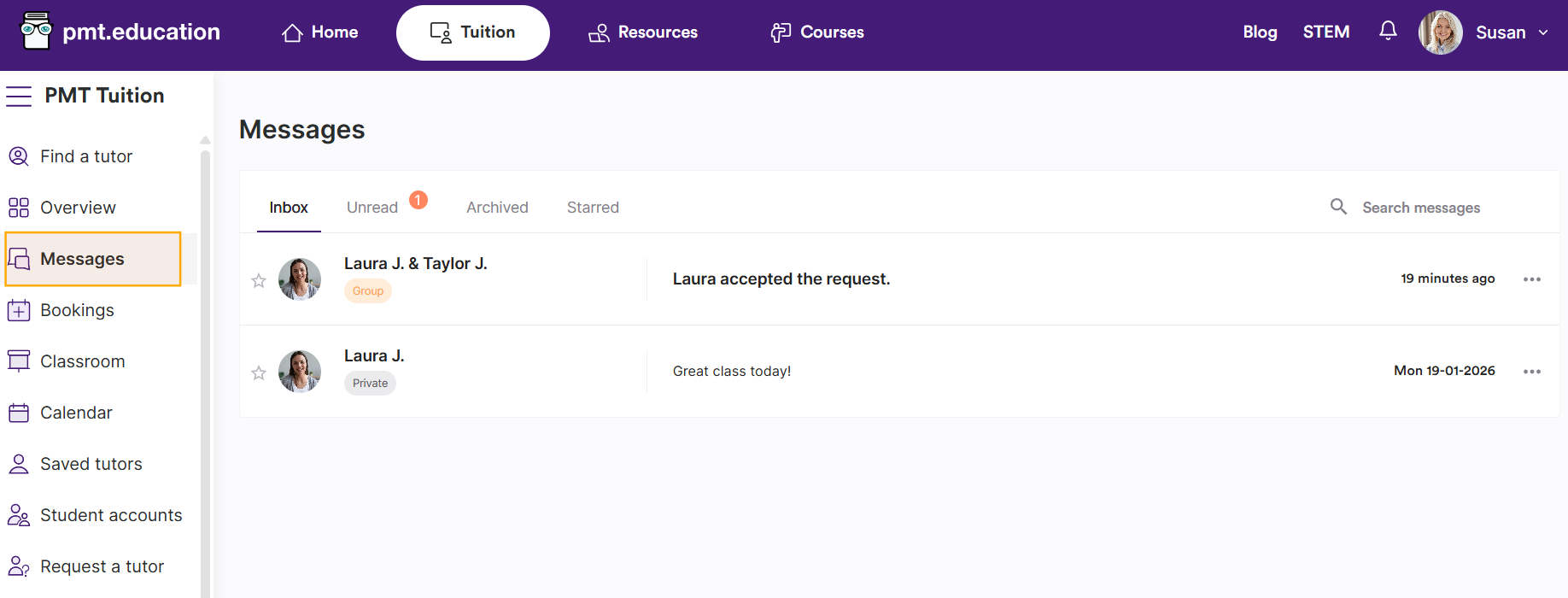
You should then see the chat with your tutor (this was created when you first booked your lesson or sent them an enquiry). Chats marked "Private" are between billpayer and tutor. Chats marked "Group" contain students too.
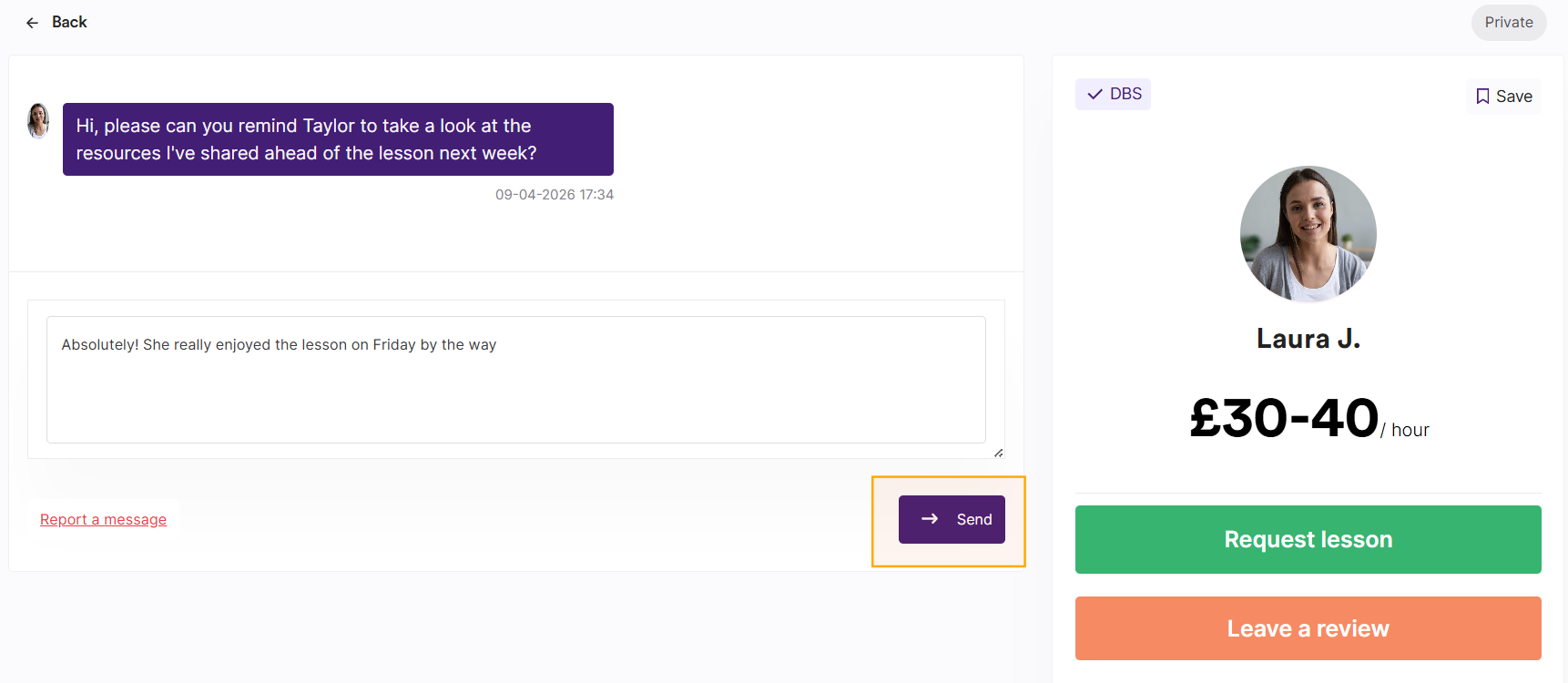
You can enter a chat by clicking on the most recent message. This will open the chat window, where you can send a new message using the chat box.