
How to use the Troubleshooting Menu if you're having issues in your lesson
Edited
Lessonspace has a built-in Troubleshooting menu that highlights connectivity, audio and device issues during your lesson.
If something is not working correctly, this is the first place you should check.
To access it, click Setup and then select Troubleshooting.
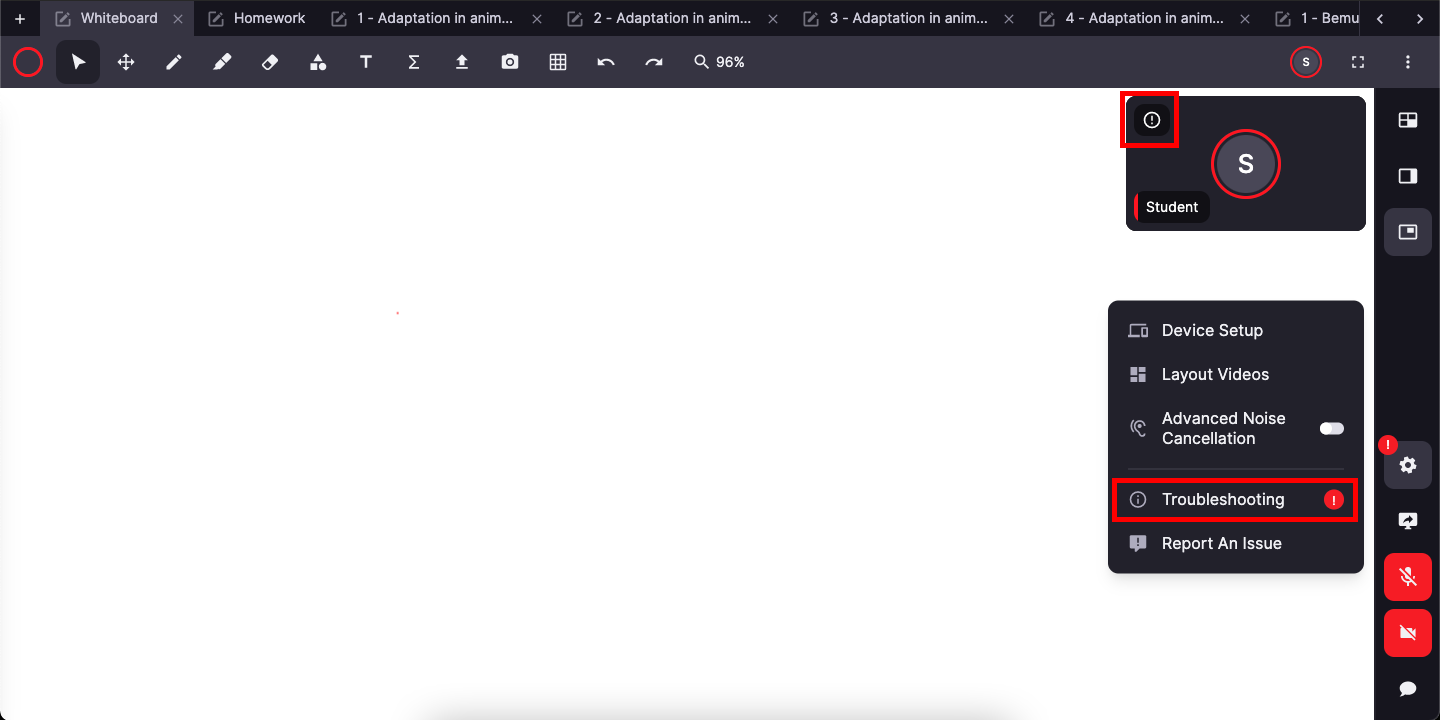
f an issue is detected, you may see a small “!” icon on your video tile. This means Lessonspace has identified a problem with your connection, audio or device.

The Troubleshooting menu will show a specific warning explaining the issue.
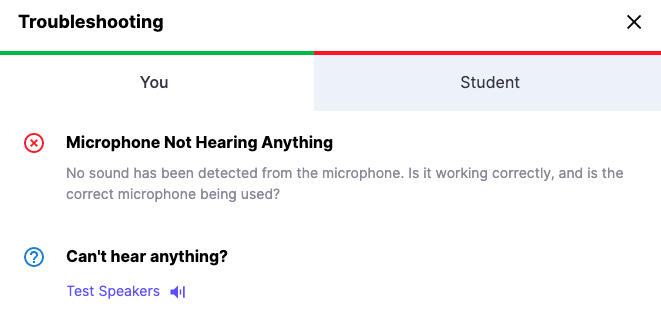
troubleshooting
lessonspace
tutor
menu