
How do I add a subject on my profile?
By selecting the subjects you study, you’ll receive a more personalised experience on the platform. Your Resources page will automatically display the predicted and mock papers available for your chosen subjects, levels, and exam boards.
If you didn’t add your subjects during onboarding, or you would like to update them later, you can edit them at any time.
To add a subject to your profile, click Account from the dropdown menu in the top-right corner of the page.

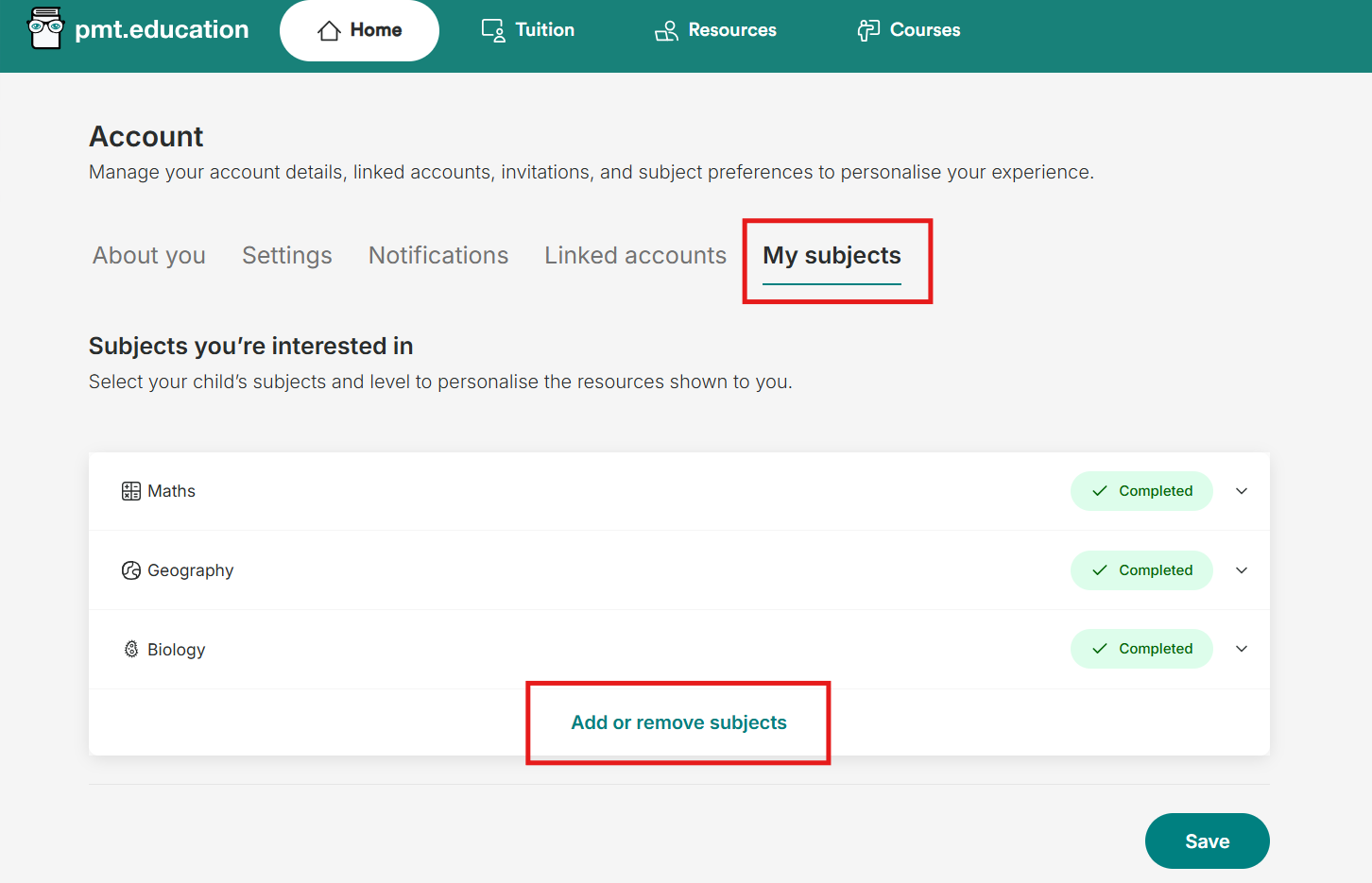
Select My Subjects, then Add or remove subjects at the bottom where you can edit the subjects you are interested in.
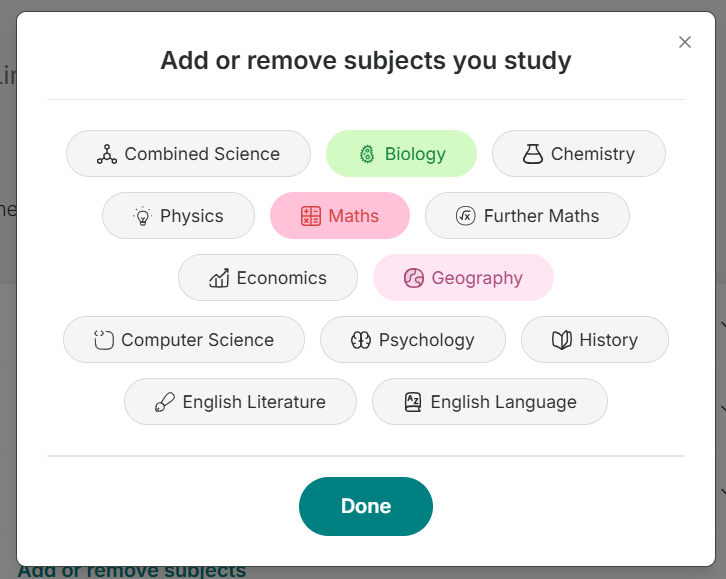
Simply choose the subjects you’re interested in/ studying from the list.
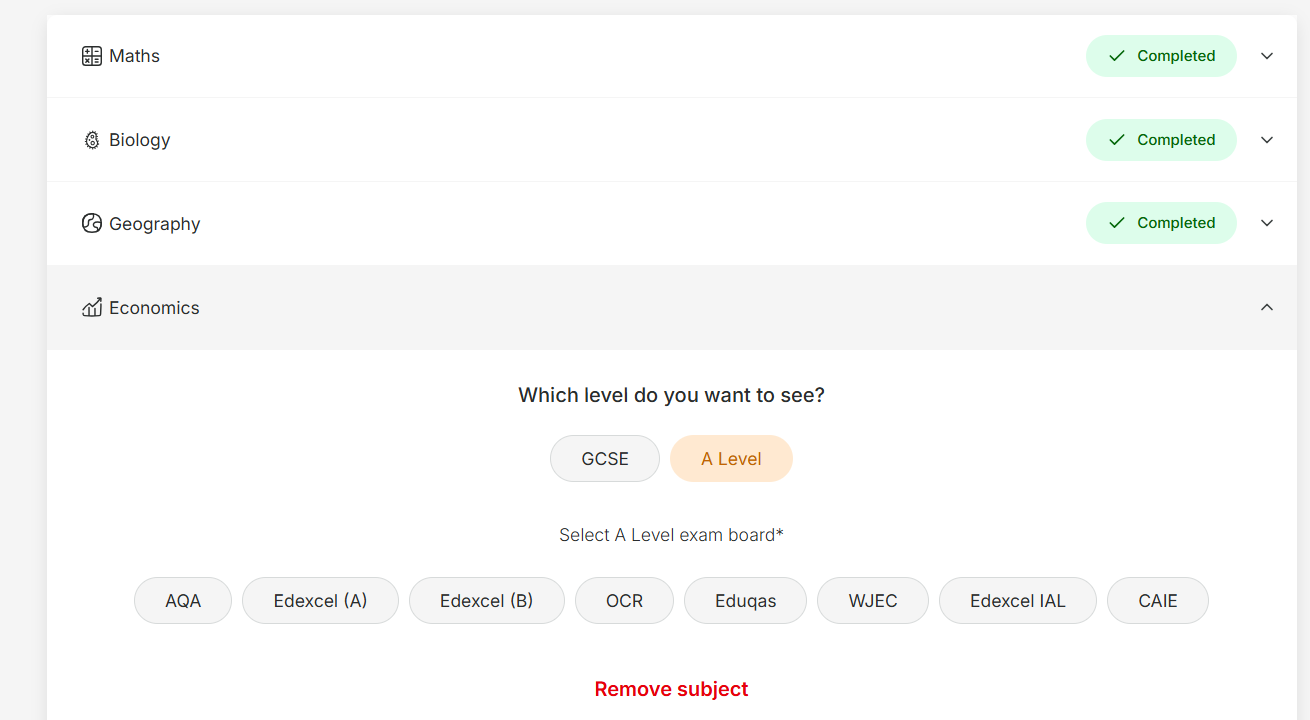
You’ll then be asked to select the level (GCSE or A Level) and the relevant exam board for each subject you add.
Once you’ve completed all the required information, a tick will appear next to the subject to show it has been set up successfully.
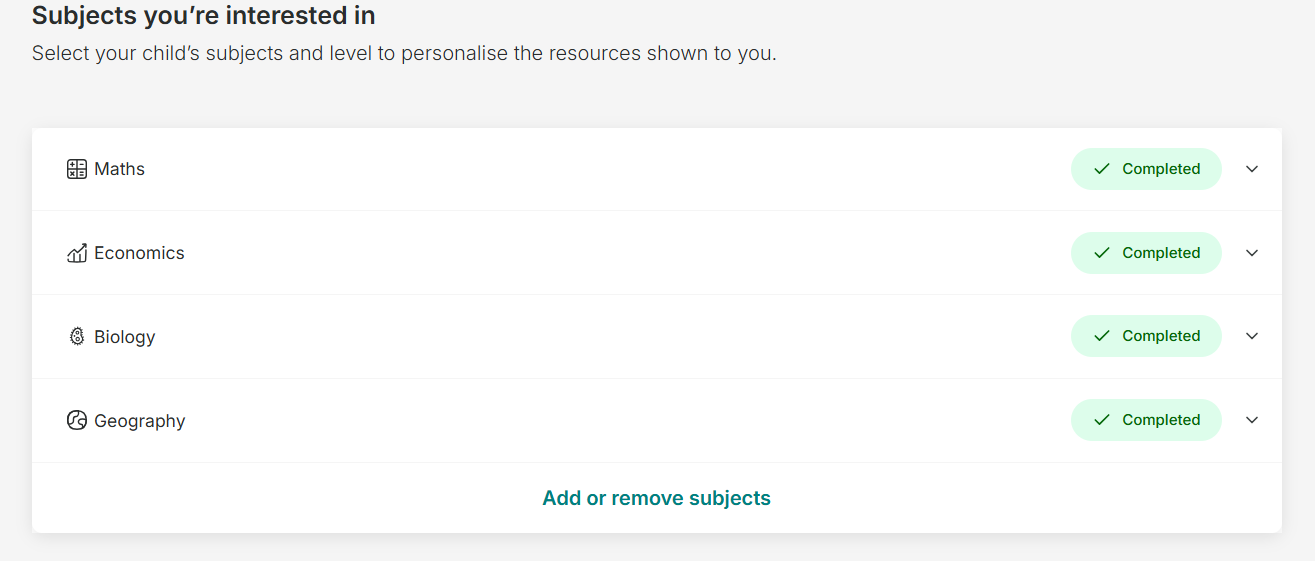
You can return to My Subjects at any time to update or change your selections.