
How do I respond to a reschedule request?
Edited
When a billpayer or student requests to reschedule a lesson, you’ll receive a reschedule request under 'Notifications'. It will also appear under 'Pending' in your 'Bookings' tab:
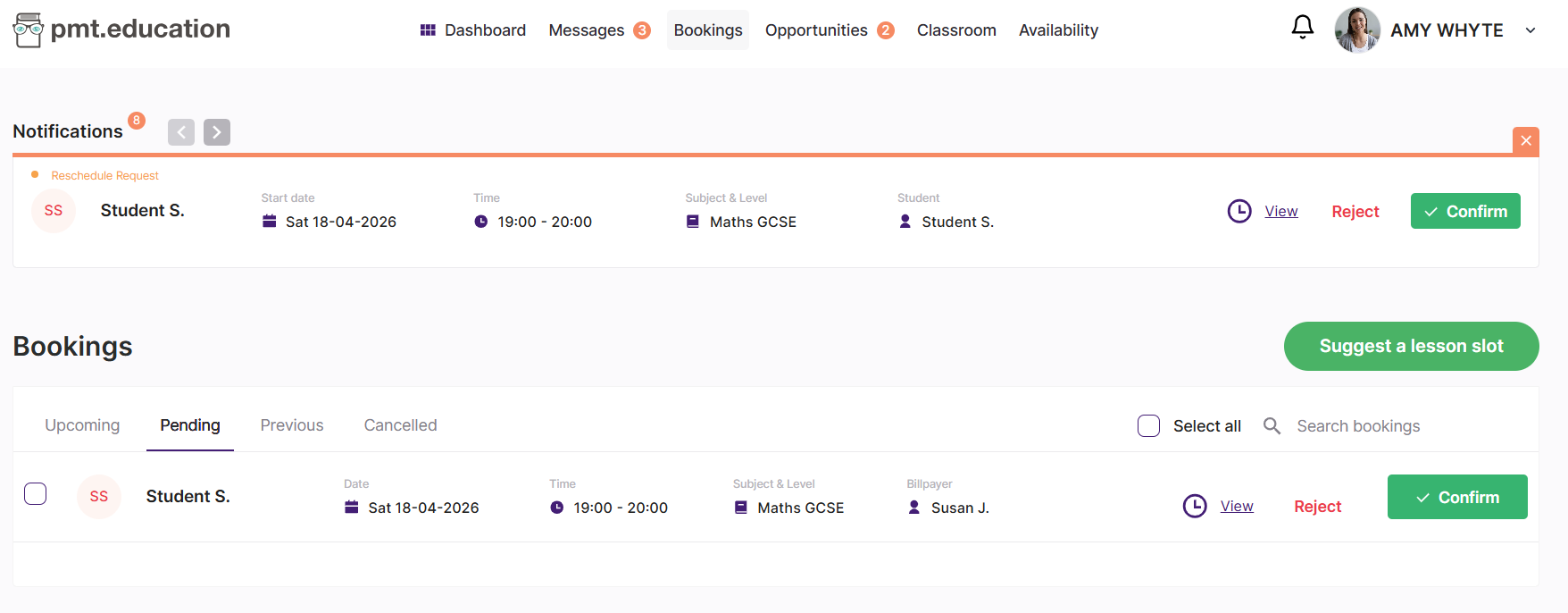
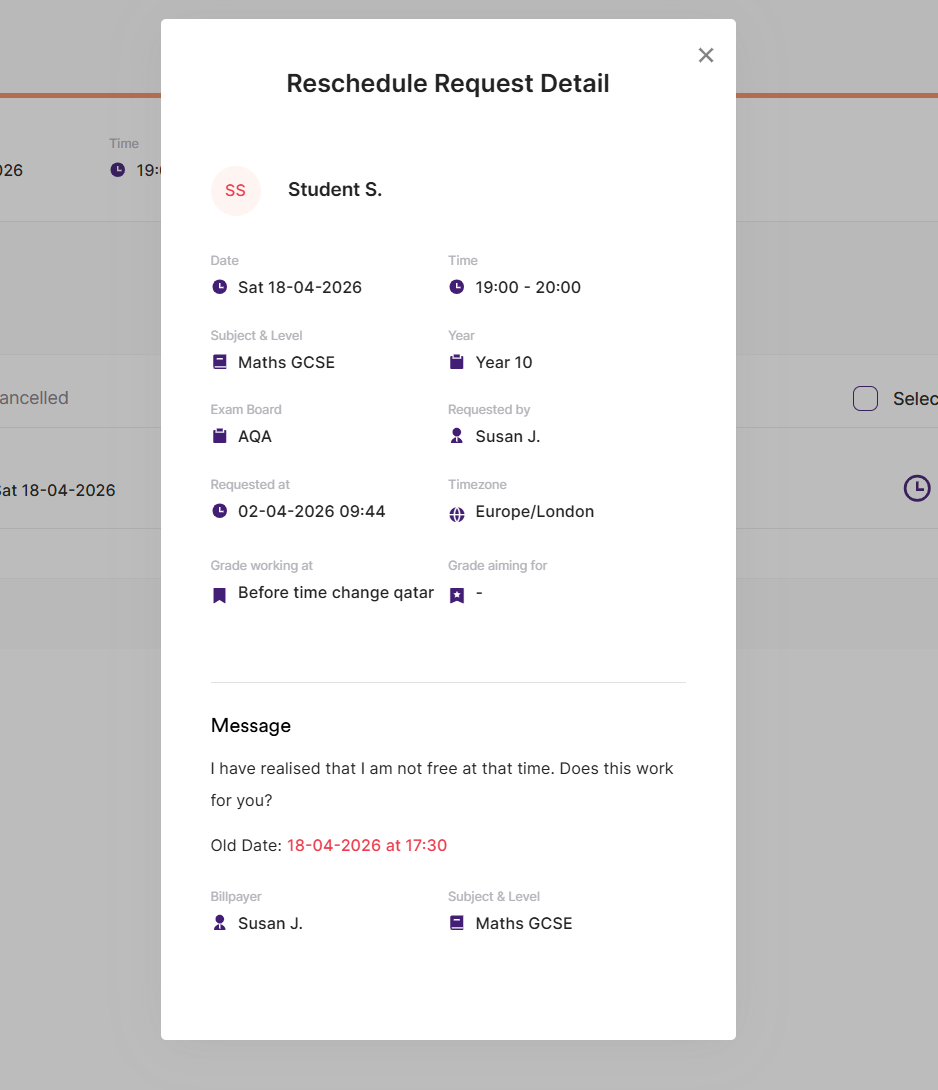
From here, you can View, Accept, or Reject the request by clicking the relevant button. To see more details, including the reason for the reschedule, click “View.”
You can also access and respond to reschedule requests through your messages.
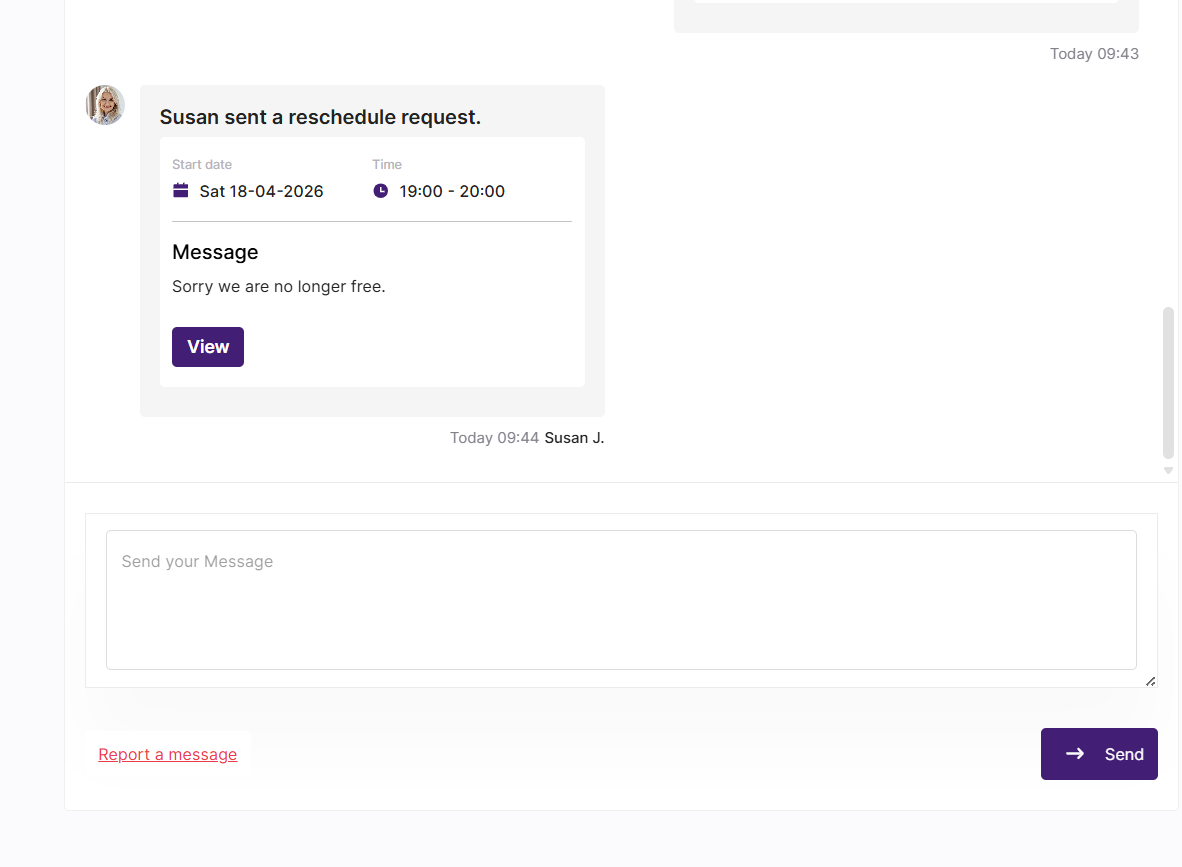
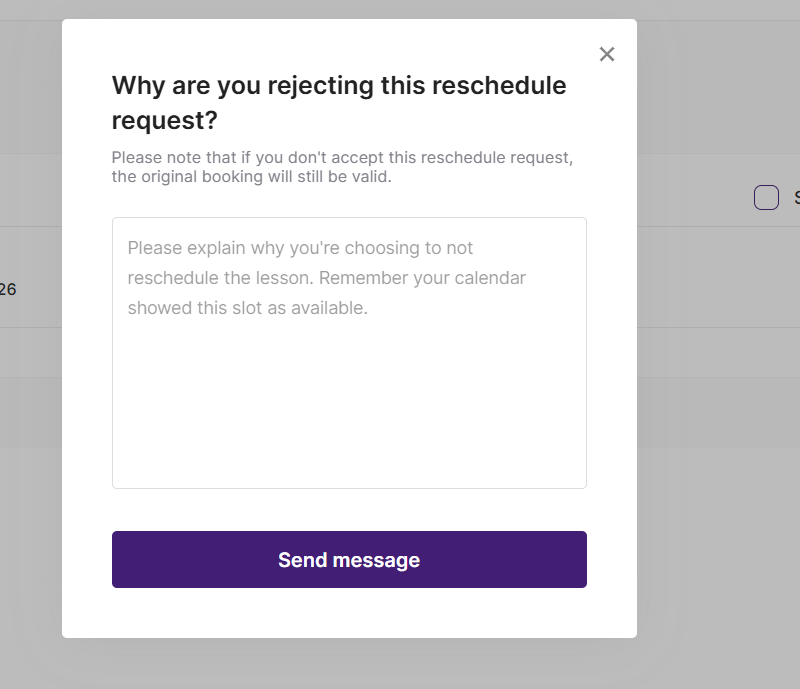
Simply open the message and click “View” to review and respond to the request. If you choose to reject the request, you’ll be asked to provide a reason explaining why you’re unable to reschedule the lesson.
reschedule
request
tutor