Where do I view my bookings with students?
Edited
You can view your bookings in several places across the platform:
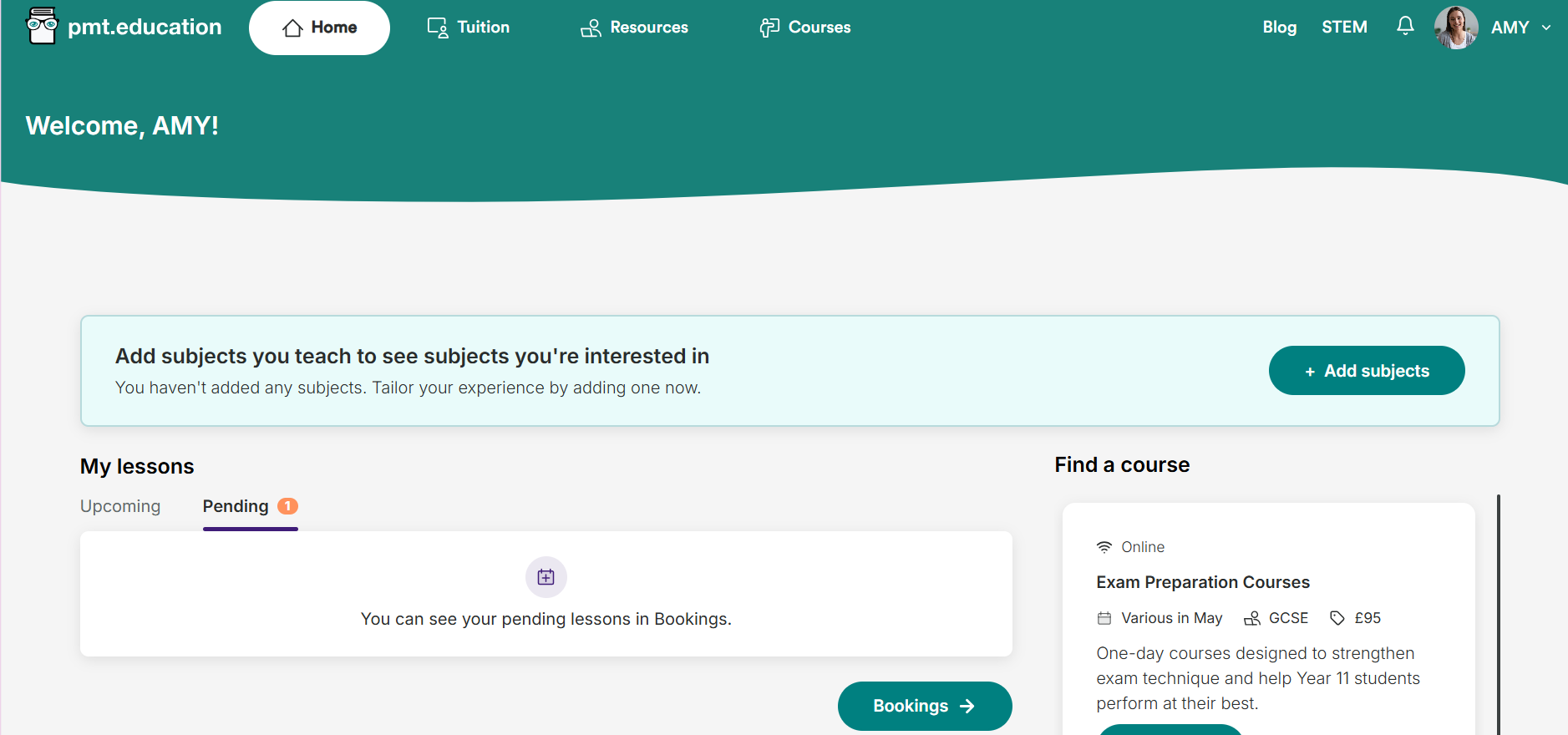
From your homepage
On your PMT Education homepage, your upcoming bookings appear at the top.
Click Bookings to go to your full bookings page.
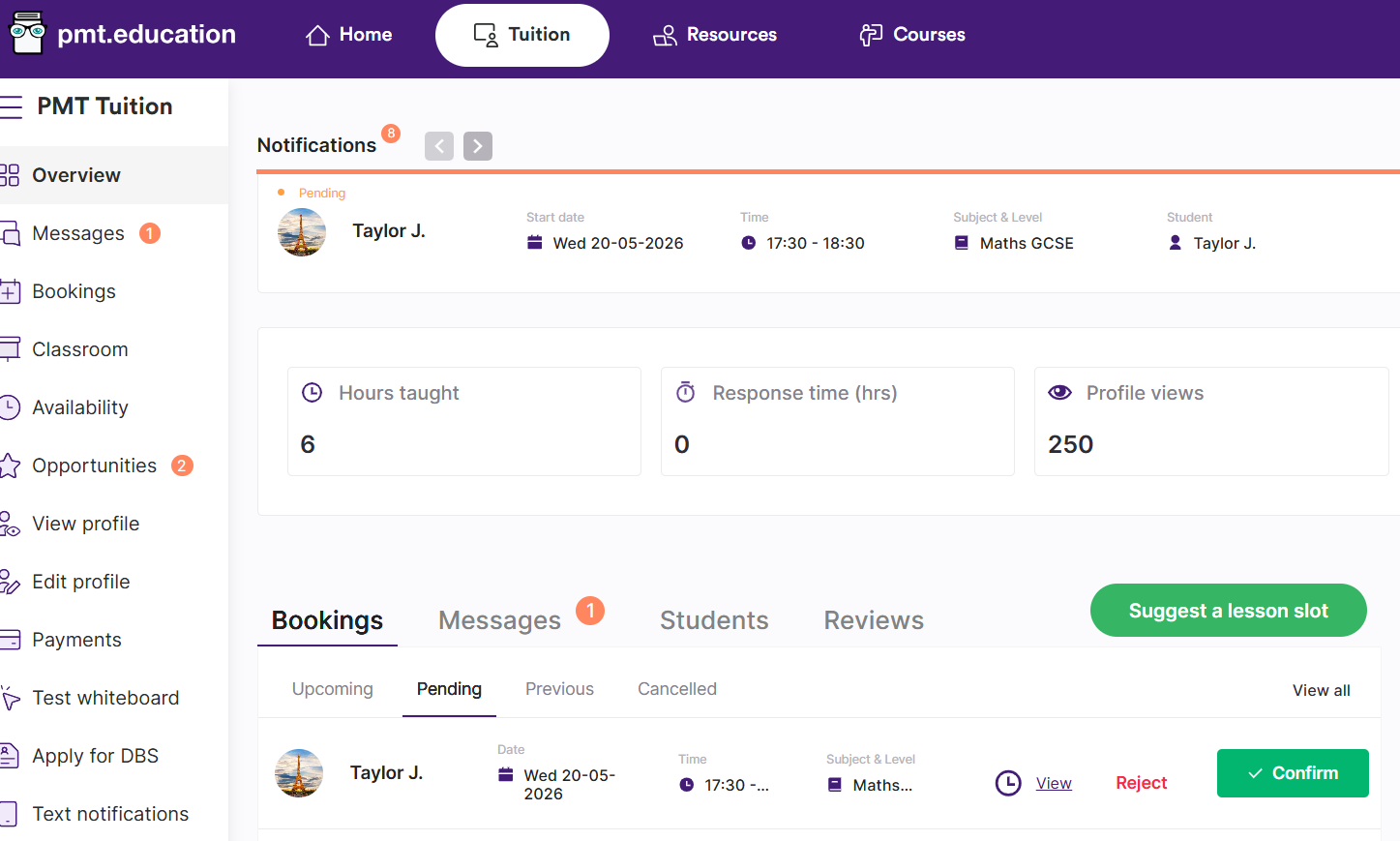
From the Tuition page
Go to the Tuition page. On your Overview page, you’ll see a summary of:
Upcoming lessons
Pending bookings
Previous lessons
Cancelled lessons
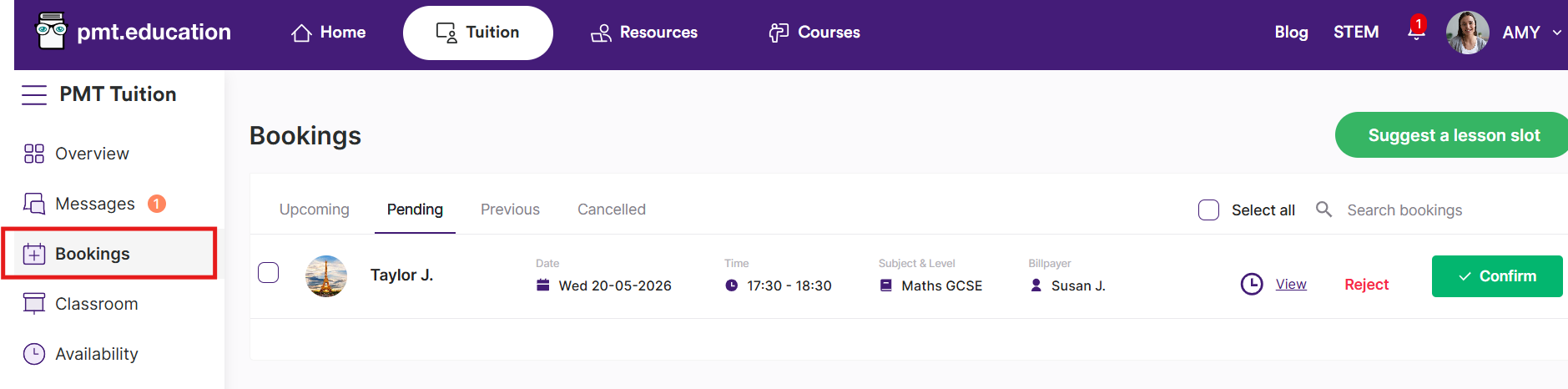
From the Bookings page
You can access your bookings at any time by clicking Bookings in the sidebar.
Here, you can:
View all bookings (upcoming, pending, previous, and cancelled)
Search for specific lessons
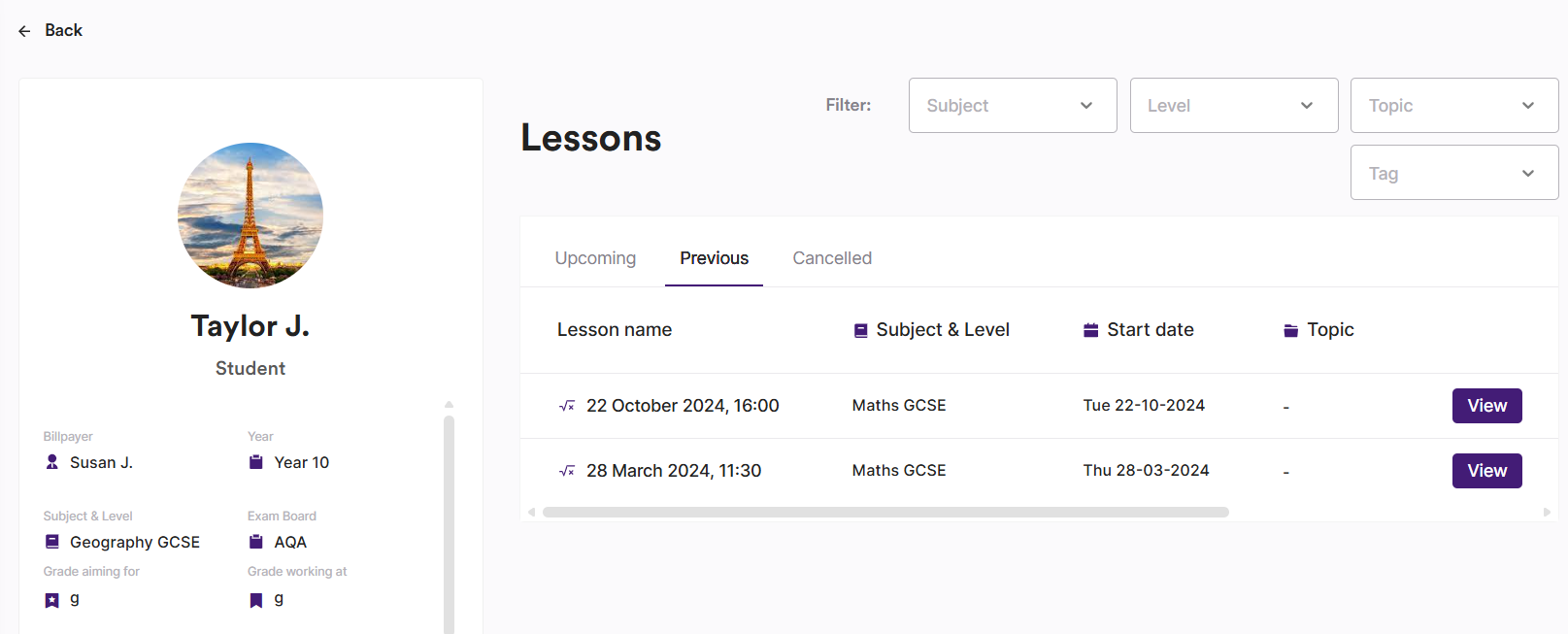
How do I view all lessons with a specific student?
To view all lessons with a specific student, click on the student’s name:
From your Bookings page, or
From your Tuition page
This will show you your upcoming, previous and cancelled lessons with that student in one place.